I remember sitting in a college lecture hall back in 2017, staring at my plain gray laptop and feeling like everyone else had a personality splashed across their lid. Back then, stickers were an afterthought - a way to cover up a scuff. Fast forward to 2026, and laptop stickers have evolved into a form of identity signaling, especially for fans of cult media like Lethal Company. Whether you're heading to class, a coffee shop, or a library, your laptop is a canvas. And with back to school season upon us, now is the perfect time to grab some lethal company laptop stickers that blend fandom with function.
← Back to Blog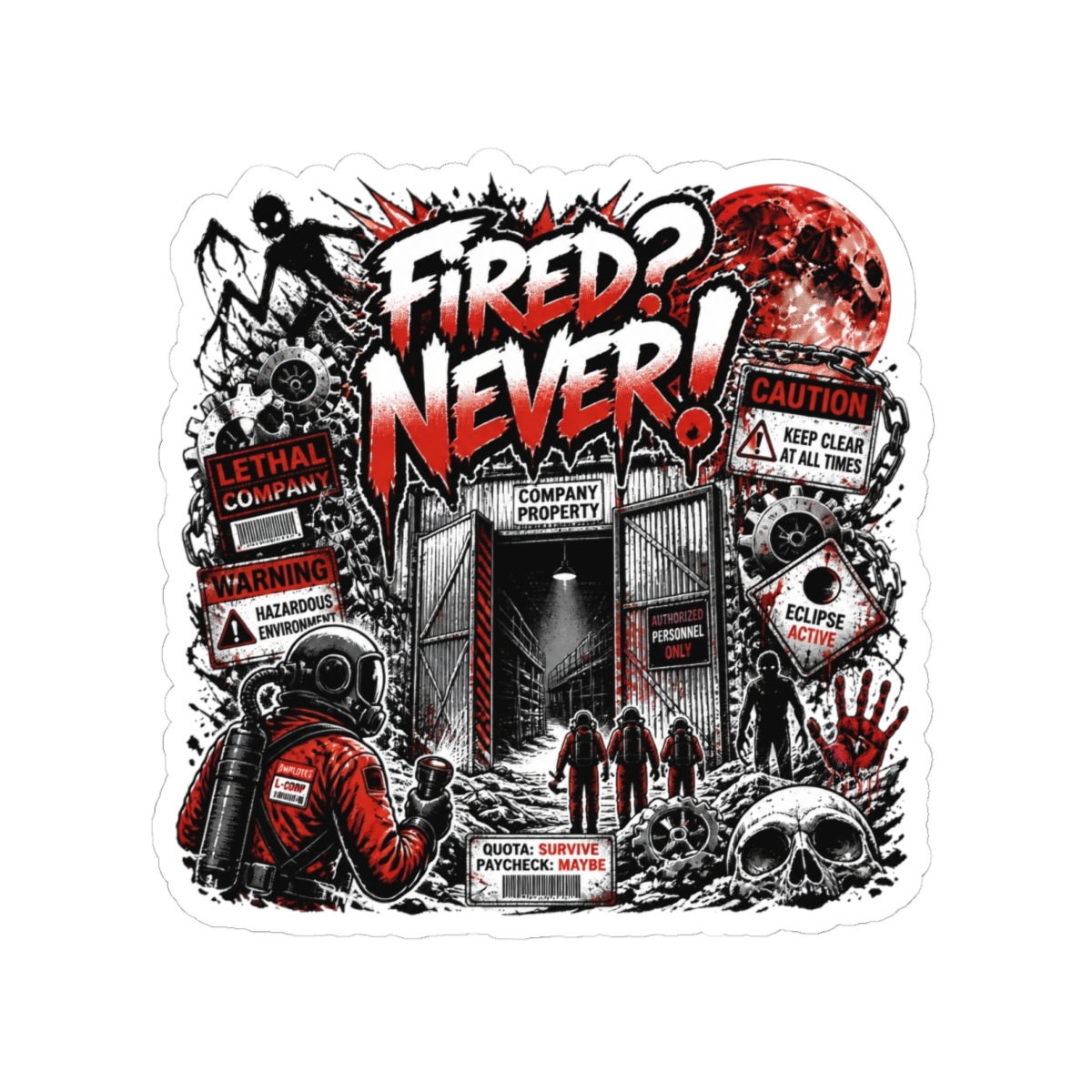

Best Lethal Company Laptop Stickers for Back to School 2026
Gear up for back to school 2026 with the best Lethal Company laptop stickers. Our guide covers top designs, application tips, and where to buy authentic vinyl stickers that express your fandom without damaging your device.
Why Laptop Stickers Are the Ultimate Back-to-School Accessory
Laptop stickers serve a dual purpose: they personalize your device and act as conversation starters. In my work with creator merch, I've seen how a well-placed sticker can turn a boring laptop into a reflection of your interests. For students, that's especially valuable. You're surrounded by new people, and a sticker featuring a Bracken or a Hoarding Bug signals you're part of a community without saying a word.
Stickers also protect your laptop. A matte vinyl layer can reduce scratches from backpack zippers or desk surfaces. And let's be honest - a laptop that looks unique is harder to confuse with someone else's during a packed lecture.
What Makes a Great Laptop Sticker?
Not all stickers are created equal. For a laptop, you need:
- Durable material: Look for laminated vinyl that resists UV fading and moisture.
- Removable adhesive: Repositionable or low-tack glue that won't leave residue.
- Size: 2-4 inches is ideal for most laptops. Too small and detail is lost; too large and it overwhelms the lid.
- Art style: Clean vector art reads better at a distance than intricate shading.
Top 5 Lethal Company Sticker Designs for Your Laptop
These five designs capture the essence of Lethal Company - eerie, industrial, and darkly humorous. Each one works well on a standard 13- or 15-inch laptop.
1. The Company Logo - Minimalist and Recognizable
The iconic yellow and black hazard-style logo is a must-have. It's simple, high contrast, and fits neatly in a corner. Available in gloss or matte finish from most fan stores. Size: 3 inches square.2. Bracken Creature - Silhouette Style
A full silhouette of the Bracken in its signature pose - arms wide, antlers high. Black on a transparent or dark background creates a looming effect. Best placed vertically along the hinge edge. Fans love this one because it's spooky but subtle.3. Hoarding Bug - Cute and Nostalgic
The Hoarding Bug's round body and beady eyes translate perfectly to sticker form. A 2.5-inch circular design works well on the center of the lid. It's less intimidating than other creatures, making it a good entry point for casual fans.4. “You Are Now Breathing Manually” Text Sticker
A fan-favorite phrase from the game's atmosphere. White serif text on a transparent background - looks like a caption over your laptop. Requires a light-colored laptop to be legible. Pairs well with a small creature sticker.5. Lethal Company Crew Portrait - Die-Cut Group
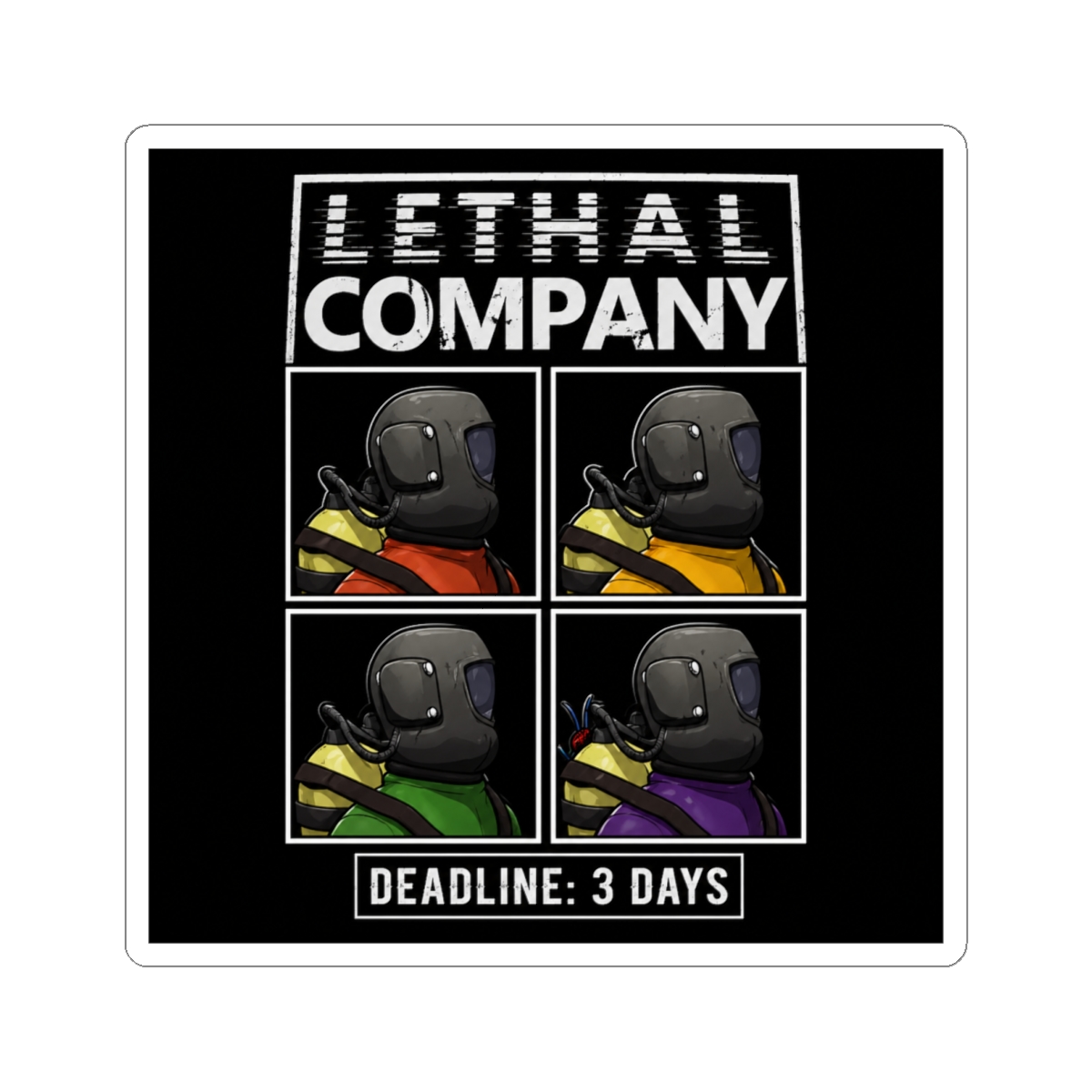
A die-cut sticker showing the four player characters in their orange suits. Die-cut means no white edge - it conforms to the shape. This is a larger sticker (4 inches wide) and best placed on the bottom half of the lid. It tells a story.How to Apply and Remove Stickers Without Damage
A poorly applied sticker can bubble or peel within weeks. Here's the method I recommend based on years of testing.
Application Steps
1. Clean your laptop lid with isopropyl alcohol and a microfiber cloth. Let it dry completely. 2. Peel the sticker from its backing slowly. If it's a large sticker, use the hinge method: tape one edge to the laptop, lift the other, and peel the backing while smoothing down. 3. Start from the center and push air bubbles outward using a credit card wrapped in a soft cloth. 4. Wait 24 hours before exposing the laptop to extreme heat or cold. The adhesive needs time to bond.Removal Without Residue
- Heat the sticker with a hairdryer on low for 30 seconds. This softens the glue.
- Lift a corner with a plastic spudger or fingernail. Pull slowly at a 180-degree angle.
- If residue remains, dab it with a little baby oil or adhesive remover (test on a hidden area first). Wipe clean.
Never use razor blades or metal tools - they'll scratch your laptop's finish. Vinyl stickers with removable adhesive are designed to peel off cleanly within a year.
Where to Buy Authentic Lethal Company Stickers and Pins
"Authentic" in the fan merch world means quality and respect for the source material. Official Lethal Company merchandise is not yet widely available, so fan-made stores fill the gap. The best ones use high-quality materials and pay licensing fees to the creator.
The Lethal Company Merch Store offers a curated selection of stickers, pins, and accessories. All our stickers are printed on durable vinyl with a protective laminate layer. We test each design for color accuracy and cut precision.
For back to school 2026, we've bundled our top sticker designs with a limited-edition enamel pin. The pin features the Company logo in gloss enamel with a metal clasp. It adds a touch of permanence to your backpack or jacket.
Shipping within the US takes 5-10 business days, and international orders are available to select countries. Because these are print-on-demand, each order is made fresh - no stale inventory.
Frequently Asked Questions
Are Lethal Company laptop stickers waterproof?
Most vinyl stickers with a laminate layer are water-resistant, not fully waterproof. They can handle light rain or spills but shouldn't be submerged. Avoid putting them on water bottles if you want them to last.Can I put stickers on a MacBook without damaging the finish?
Yes, if you use removable adhesive stickers and apply heat when removing. Apple's aluminum finish is durable but can be scratched by aggressive peeling. Our stickers are tested on MacBooks and leave no residue when removed properly.Do you offer custom Lethal Company sticker designs?
We don't offer custom designs, but our selection rotates frequently. We add new designs based on community votes and popular requests. Check back each semester for fresh drops.How long do laptop stickers typically last?
With proper application, a quality vinyl sticker can last 2-3 years before fading or peeling. Factors like UV exposure, handling, and laptop heat affect lifespan. Apply to the lid rather than the palm rest for longer life.What is the best way to clean stickers on a laptop?
Wipe gently with a slightly damp microfiber cloth. Avoid alcohol-based cleaners, which can dull the laminate. For tough smudges, use a mild soap solution and dry immediately.Key Takeaways
- Laptop stickers are a low-cost way to express your fandom and protect your device.
- The best designs for Lethal Company are the Company logo, Bracken silhouette, Hoarding Bug, phrase stickers, and crew portrait.
- Apply on a clean surface, smooth from the center, and use heat for removal to avoid damage.
- For authentic quality, choose a curated fan store that vets materials and designs.
- Rotate your stickers each semester to keep your laptop looking fresh.
As you pack your bags for fall semester 2026, don't forget to pack your personality. A few well-chosen lethal company laptop stickers can transform a dull laptop into a conversation piece. Whether you're a freshman or a senior, let your lid speak for you.
Related Posts
Accessories
Best Lethal Company Laptop Sleeves for College 2026
Protect your laptop and show off your Lethal Company fandom with the best sleeves for college. Compa...
AccessoriesBest Lethal Company Enamel Pins for Your Collection in 2026
Discover the best Lethal Company enamel pins for your collection in 2026. From iconic monsters to gl...
AccessoriesLethal Company Phone Cases and Tech Accessories for 2026
From Bracken silhouettes to Employee ID cards, discover the best Lethal Company phone cases and tech...
Shop Lethal Company Merch
Official merchandise — premium quality, designed for the community.
Lethal Company "Fired? Never!" Sticker
$7.99Lethal Company Suspense. Around The Factory Sticker
$7.99